Перайсці да змесціва
WordPress.org

Беларуская мова

  • Тэмы
  • Плагіны
  • Навіны
  • Падтрымка
  • Пра нас
  • Remembers
  • Blocks
  • Education
  • Дапаможнік
  • WP-CLI
  • Звязацца з намі
  • Спампаваць WordPress
Спампаваць WordPress
WordPress.org

Plugin Directory

Fuse Social Icons

  • Адправіць плагін
  • Мае абраныя
  • Увайсці
  • Адправіць плагін
  • Мае абраныя
  • Увайсці

Fuse Social Icons

Аўтар: Daniyal Ahmed (a11n)
Спампаваць
  • Падрабязнасці
  • Водгукі
  • Ўсталёўка
  • Распрацоўка
Падтрымка

Апісанне

Fuse Social Icons (formerly Fuse Social Floating Sidebar) is the easiest way to connect your visitors to your social profiles and let them share your content — a floating icon bar, share buttons, a widget, and a Gutenberg block, all from one clean settings screen.

Version 6.0 is a complete, from-the-ground-up rebuild: a modern drag-and-drop admin, real social share buttons (new!), a Gutenberg block, and a one-click migrator that carries over every setting from your current install automatically — nothing to reconfigure, nothing lost.

Free features

  • Floating social icon bar — Facebook, X (Twitter), Instagram, Threads, YouTube, LinkedIn, Pinterest, Reddit, GitHub, Behance, Flickr, Tumblr, VK, SoundCloud, Stack Overflow, RSS, and Email.
  • Share buttons — let visitors share your posts to Facebook, X, WhatsApp, and more, auto-inserted before your content or dropped in anywhere via shortcode, widget, or block.
  • Round or square icons, adjustable size and spacing, brand or custom colors, a rotate hover animation, and drop shadow.
  • Left or right floating position, with the option to hide on mobile.
  • A ready-to-use widget and Gutenberg block for placing icons anywhere on your site.
  • Custom CSS, GDPR/Do-Not-Track-aware link handling, and full import/export of your settings.
  • Upgrading from an older version? Activating 6.0 detects your existing profile links, colors, and settings automatically and offers a one-click, non-destructive import — you’ll see a short review screen to confirm before anything changes.

Go further with Fuse Social Icons Pro

Free covers everything most sites need. When you’re ready for more:

  • Custom icons — upload your own image or icon for any link.
  • Per-network colors, more shapes (rounded, outline), and extra hover effects (lift, pulse, shake, flip, bounce, swing).
  • Action-button reveal mode and a tap-to-chat WhatsApp/Telegram bubble.
  • More networks: WhatsApp, Telegram, TikTok, Discord, Snapchat, Twitch, Spotify, Mastodon, Bluesky, and more.
  • Richer share buttons — after-content and floating-sidebar placement, more shapes and styles, live share counts.
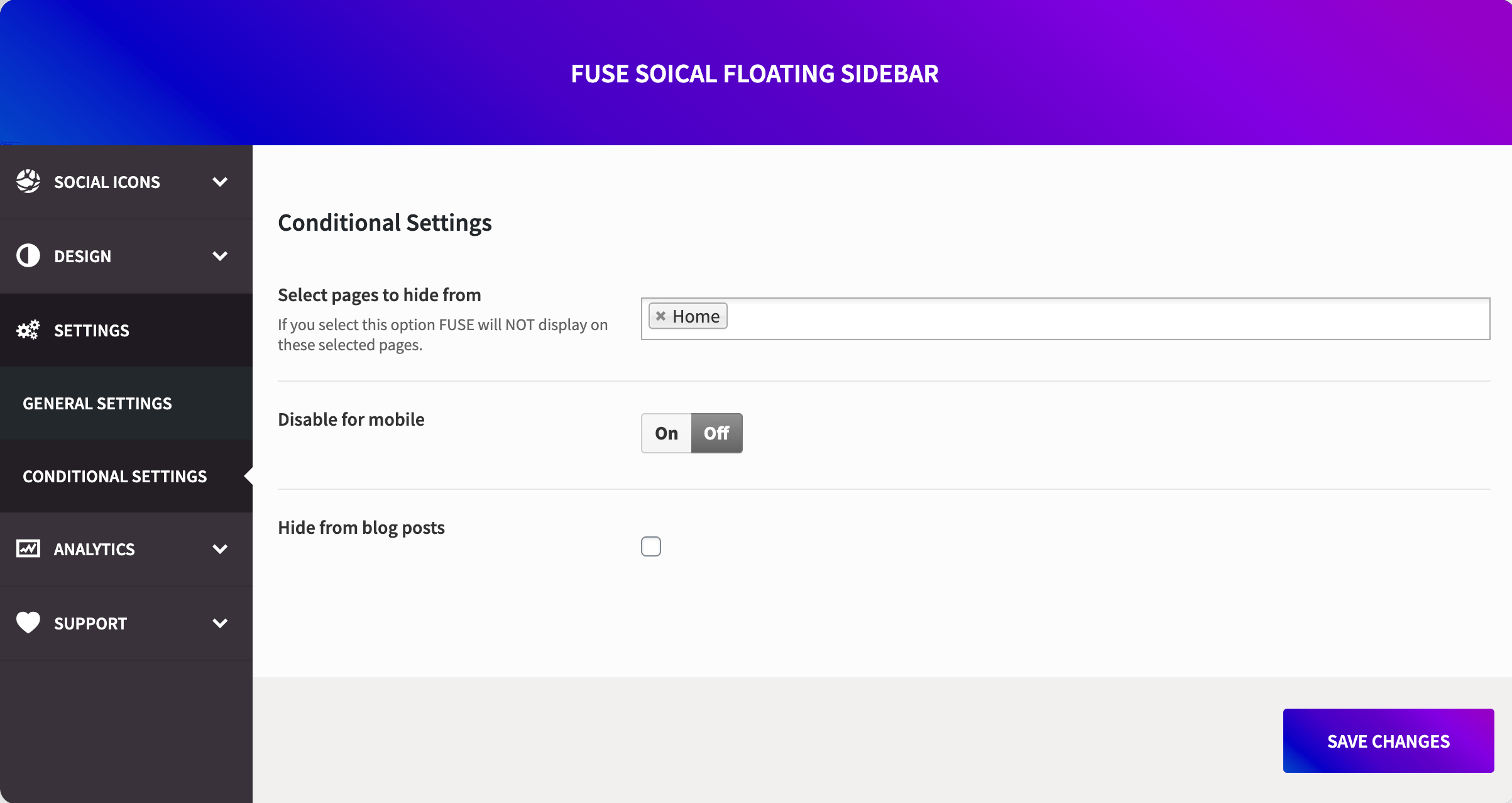
  • Display rules to show or hide icons on exactly the pages/posts you choose.
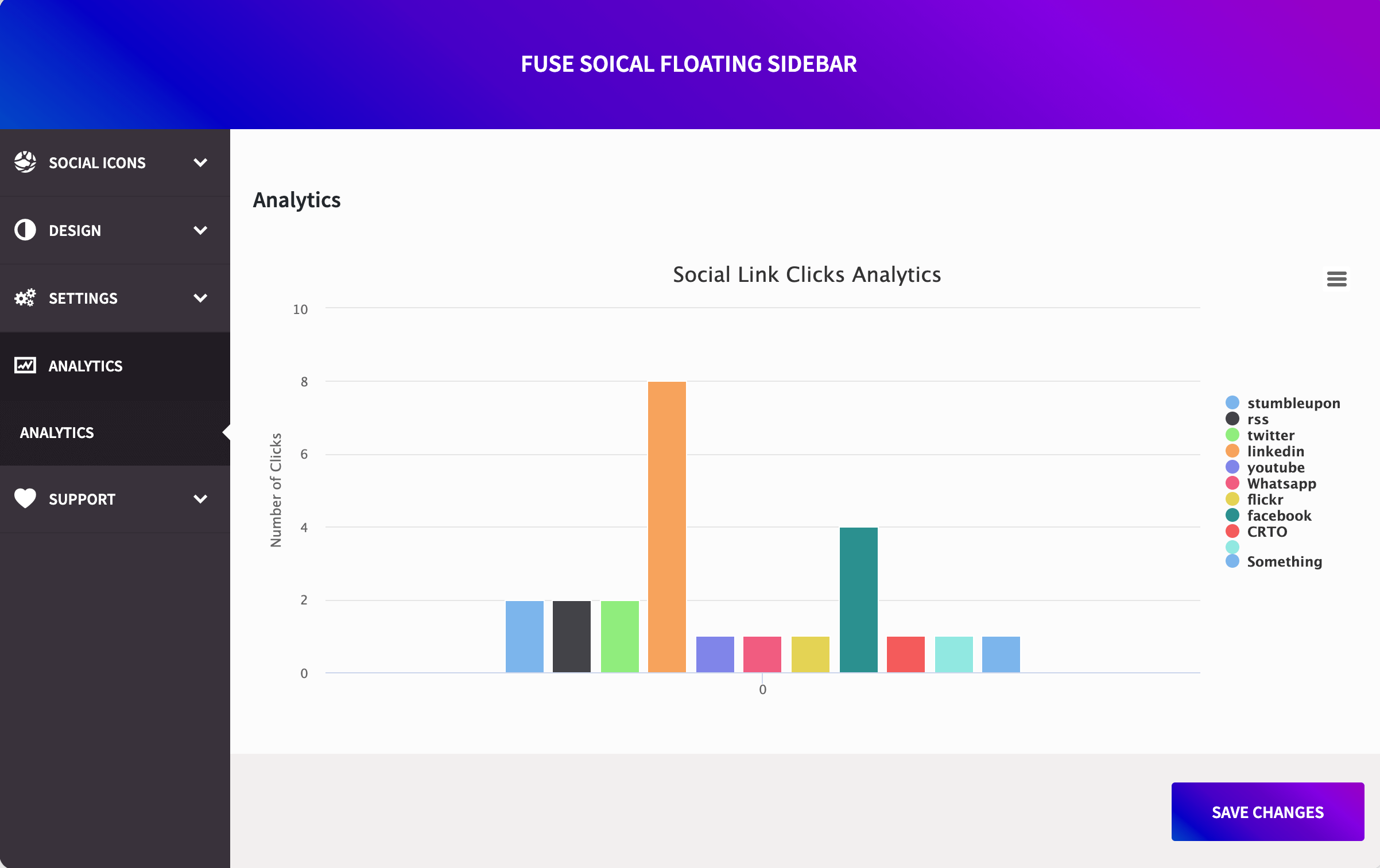
  • Real click & share analytics, right inside your dashboard.

See Fuse Social Icons Pro →

Why site owners choose Fuse Social Icons

  • Lightweight — no bloated frameworks, just clean, fast-loading code.
  • One settings screen for everything: floating bar, share buttons, widget, and block.
  • Built-in migration means upgrading from the classic version is safe and automatic.
  • Actively maintained, with real support behind it.

Скрыншоты

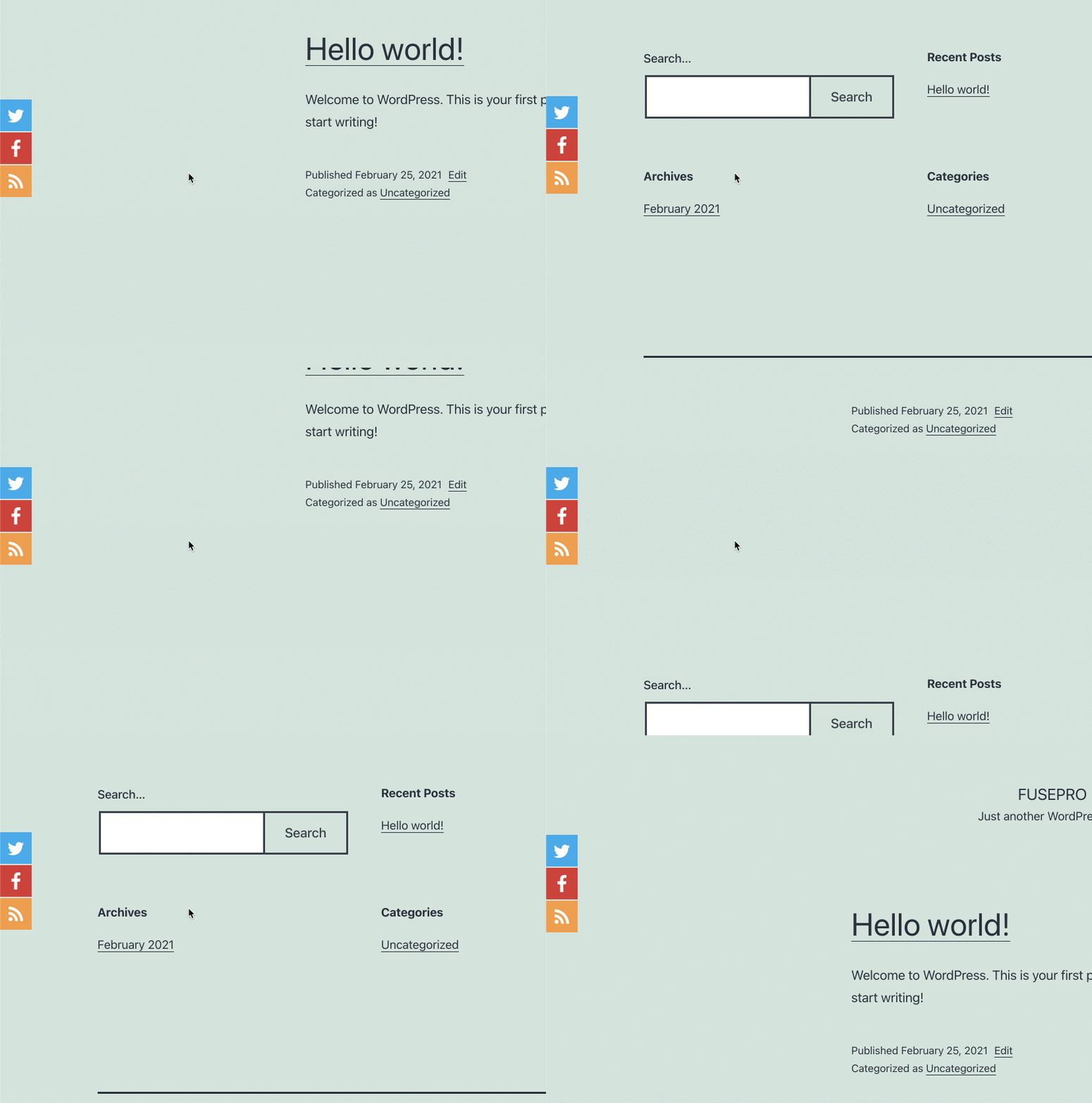
The redesigned Profile Icons tab — shapes, sizing, spacing, and colors, all with a live preview.
Social share buttons, ready to auto-insert before your content or place via shortcode, widget, or block.
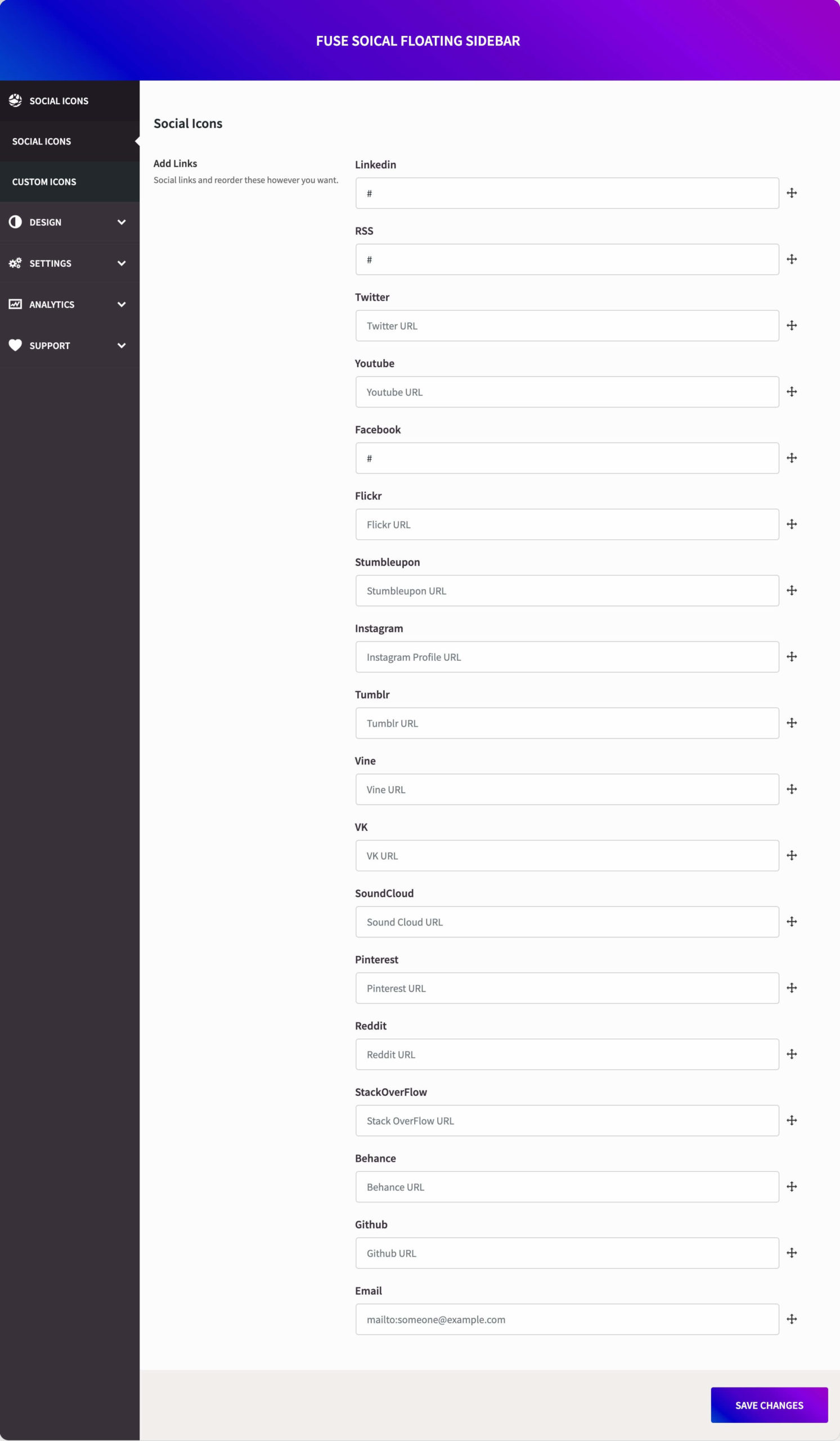
Drag-and-drop network manager — add, reorder, and configure each social link.
The one-click migration wizard, importing your existing settings automatically on upgrade.
The Gutenberg block and widget, for placing icons anywhere on your site.
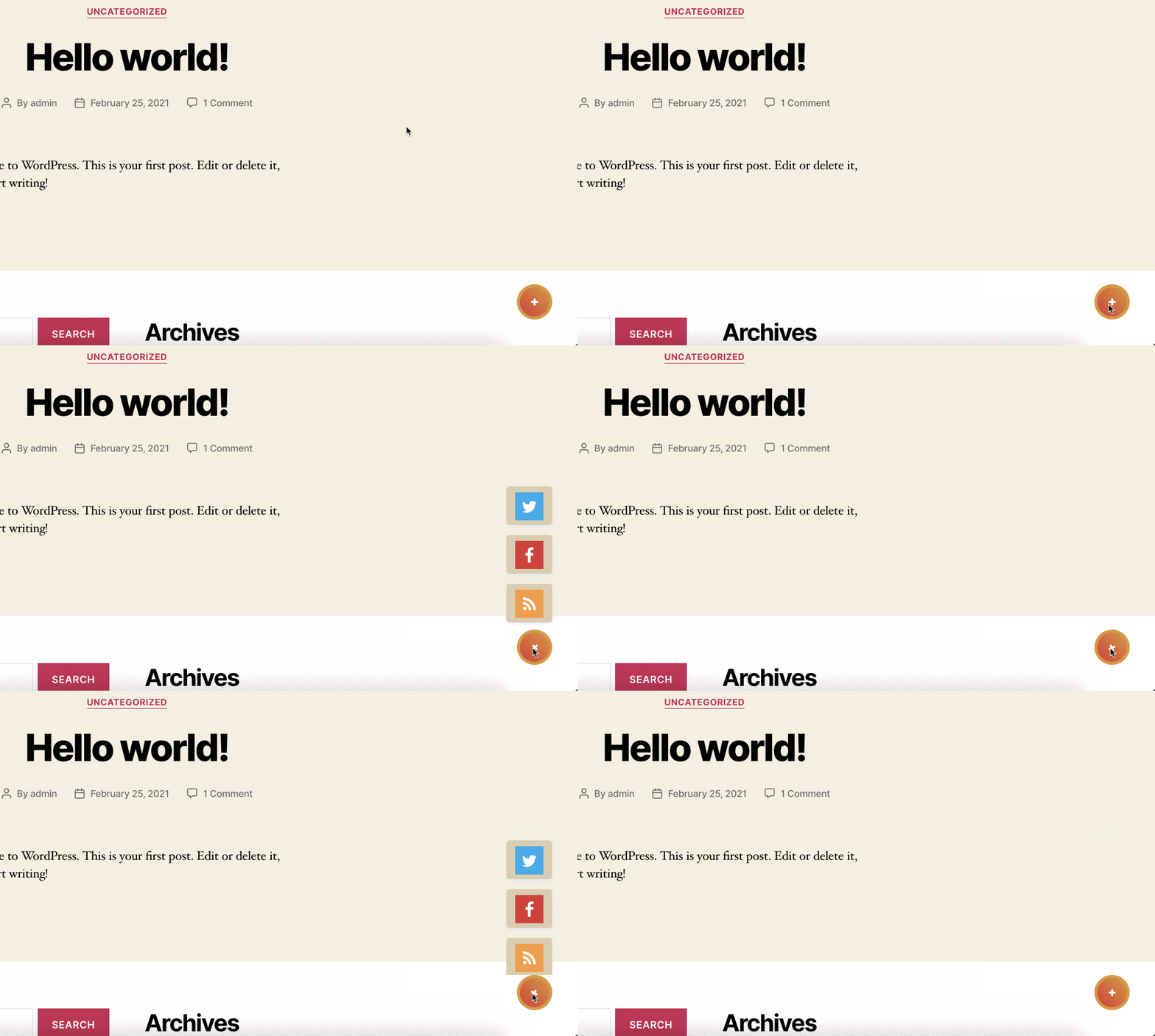
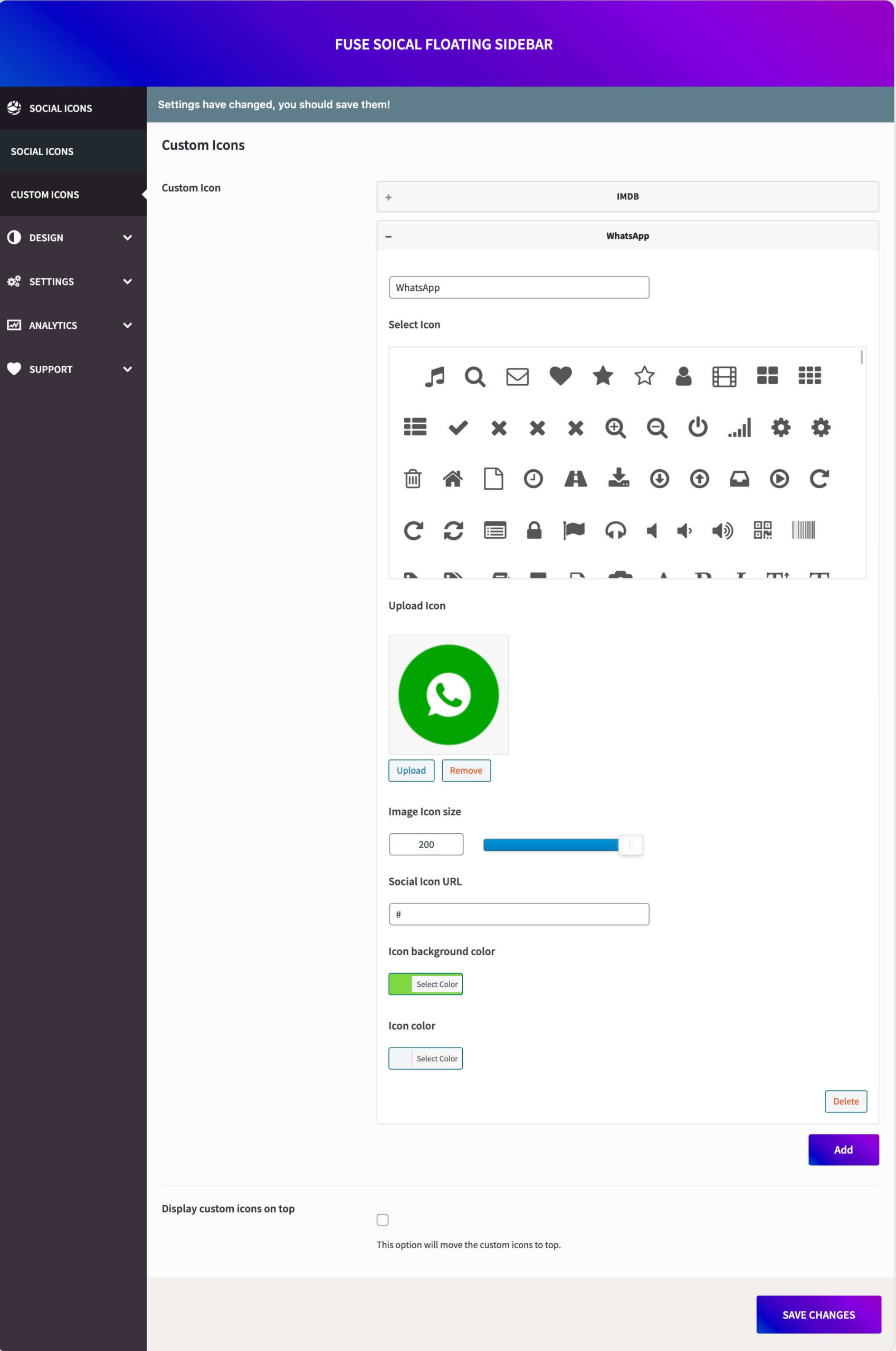
Fuse Social Icons Pro — custom icons, analytics, display rules, and more.

Блокі

Гэты плагін прадастаўляе 1 блок.

  • Fuse Social Icons Display your social profile links or share buttons for the current page.

Ўсталёўка

  1. Upload the plugin folder to /wp-content/plugins/, or install it directly from your WordPress admin under Plugins → Add New.
  2. Activate the plugin through the Plugins menu.
  3. Go to the new Fuse Social menu to configure your icons and share buttons. If you’re upgrading from an older version, you’ll be prompted to review your imported settings first.
  4. Use the shortcode, widget, or Gutenberg block to place share buttons anywhere, or leave the floating bar to work automatically.

Часта задаваныя пытанні

Will I lose my settings when I update to version 6.0?

No. The first time 6.0 runs, it automatically detects your existing profile links, icon style, and colors from the earlier version and imports them for you. You’ll see a one-time review screen confirming exactly what was imported before you save anything — your site keeps working throughout.

What’s actually new in version 6.0?

A full rebuild: a modern drag-and-drop settings screen, real social share buttons (previously not available), a Gutenberg block, adjustable icon spacing and independent share-button icon sizing, and the automatic settings migrator described above.

Is Threads support still free?

Yes. Threads, along with Facebook, X, Instagram, YouTube, LinkedIn, Pinterest, Reddit, GitHub, Behance, Flickr, Tumblr, VK, SoundCloud, Stack Overflow, RSS, and Email, are all free — no license required.

How do I add share buttons to a post or page?

Turn on Share Buttons in the “Share buttons” tab and they’ll auto-insert before your content — or use the [fuse_share] shortcode, the Fuse Social widget, or the Gutenberg block to place them exactly where you want.

What’s the difference between free and Pro?

Free gives you the full floating icon bar and share buttons with the essentials: shapes, sizing, colors, and placement. Pro adds custom icon uploads, per-network colors, more shapes and hover effects, an action-button/chat-bubble mode, richer share placements and live share counts, display rules, and click analytics. See the feature list above.

Does this work with page builders and themes?

Yes — the floating bar, share buttons, widget, and Gutenberg block all work independently of your theme or page builder, and the share-button shortcode can be dropped into any builder’s text/HTML element.

Where can I get help?

Post in the plugin’s support forum on WordPress.org, or reach us directly at fusefloat.com — Pro customers get priority support.

Водгукі

Non existent support

beeblebr0x 17 ліпеня, 2024 1 адказ
Paid for this plugin over a month ago. Never got an email or license code. Have Emailed them on three separate occasions with zero response. Worthless…

I pay for an upgrade but never received the product, code, or download

luisbeyra 15 студзеня, 2024 1 адказ
I pay for an upgrade but never received the product, code, or download

Plugin breaks Font Awesome Icons preview in Avada Live

kunstwirt 20 лютага, 2023
I needed some time to figure out that it is this plugin that breaks the icon preview in the Avada 7 live editor. For development, I’m disabling the plugin now, but this issue should be fixed soon. (screenshot: pls see my request at support forum – may not upload it here)

No support, wrong code

snecz 4 кастрычніка, 2021 1 адказ
There’s no support for this plugin. Console shows problems in the code.

Not 100% GDPR compliant

KnallBlauMedia 20 мая, 2021
Plugin is loading icons from external resources. Using own svg files doesn’t give the same options to configure them.

Nice & Tidy

cormacsans 23 лютага, 2021
Worked perfectly for what was required. Free Version Works Very Well. PRO version is 4mb so you might have to increase your upload capacity. Would Recommend.
Чытаць усе 58 водгукаў

Удзельнікі і распрацоўшчыкі

“Fuse Social Icons” з’яўляецца праграмным забеспячэннем з адкрытым зыходным кодам. Наступныя людзі ўнеслі свой уклад у гэты плагін.

Удзельнікі
  • Daniyal Ahmed (a11n)
  • Freemius

Перакласці “Fuse Social Icons” на вашу мову.

Зацікаўлены ў распрацоўцы?

Праглядзіце код, праверце SVN рэпазітарый, або падпішыцеся на журнал распрацоўкі па RSS.

Журнал змяненняў

6.0.0

Complete rebuild of the plugin:
* New drag-and-drop admin with a live preview.
* Added social share buttons — auto-insert before content, shortcode, widget, and block.
* Added a Gutenberg block; refreshed the widget.
* Automatic, non-destructive migration of all settings from earlier versions, with a one-time review screen.
* Independent icon spacing and share-button icon sizing controls.
* Performance, accessibility, and security improvements throughout.

5.4.13

Minor fixes and improvements.

5.4.12

Minor fixes and improvements.

5.4.11

Minor fixes and improvements.

5.4.10

Included Threads icon.

5.4.9

Security patch for Freemius.

5.4.8

Custom background color fix with the support of Ocean theme.

5.4.7

Security fixes and fixed the issue with Avada Builder.

5.4.3

Small fixes with rel=”nofollow” attribute.

5.4.2

Added Scroll Position feature and small fixes.

5.4.1

Fixed issues with PHP 8.0.

5.0

Migrated to Redux Framework.

1.0

Official release.

Мета

  • Версія 6.0.0
  • Апошняе абнаўленне 5 гадзін таму
  • Актыўных установак 10 000+
  • Версія WordPress 6.0 або вышэй
  • Правераны да версіі 7.0.4
  • Версія PHP 7.4 або вышэй
  • Мова
    English (US)
  • Тэгі
    floating sidebarshare buttonssocial iconssocial mediasocial share
  • Пашыраны прагляд

Ацэнкі

4.6 з 5 зорак.
  • 49 5-star reviews 5 зорак 49
  • 3 4-star reviews 4 зоркі 3
  • 1 3-star review 3 зоркі 1
  • 1 2-star review 2 зоркі 1
  • 4 1-star reviews 1 зорка 4

Ваш водгук

Паглядзець усе водгукі

Удзельнікі

  • Daniyal Ahmed (a11n)
  • Freemius

Падтрымка

Праблемы, вырашаныя за апошнія два месяцы:

0 з 1

Перайсці да форуму падтрымкі

  • Пра нас
  • Навіны
  • Хостынг
  • Прыватнасць
  • Вітрына
  • Тэмы
  • Плагіны
  • Патэрны
  • Навучанне
  • Падтрымка
  • Распрацоўнікі
  • WordPress.tv ↗
  • Далучыцца
  • Падзеі
  • Падтрымаць ↗
  • Сувеніры ↗
  • WordPress.com ↗
  • Matt ↗
  • bbPress ↗
  • BuddyPress ↗
WordPress.org
WordPress.org

Беларуская мова

  • Наведайце нас у X (былы Twitter)
  • Наведайце нас у Bluesky
  • Наведайце нас у Mastodon
  • Наведайце нас у Threads
  • Наведайце нашу старонку Facebook
  • Наведайце нас у Instagram
  • Наведайце нас у LinkedIn
  • Наведайце нас у TikTok
  • Наведайце наш YouTube канал
  • Наведайце нас у Tumblr
Код – гэта паэзія.
The WordPress® trademark is the intellectual property of the WordPress Foundation.