
Description
Choose your categories and interval from the settings menu and it will display 1 post from the chosen categories at your set interval, chosen randomly.
Screenshots
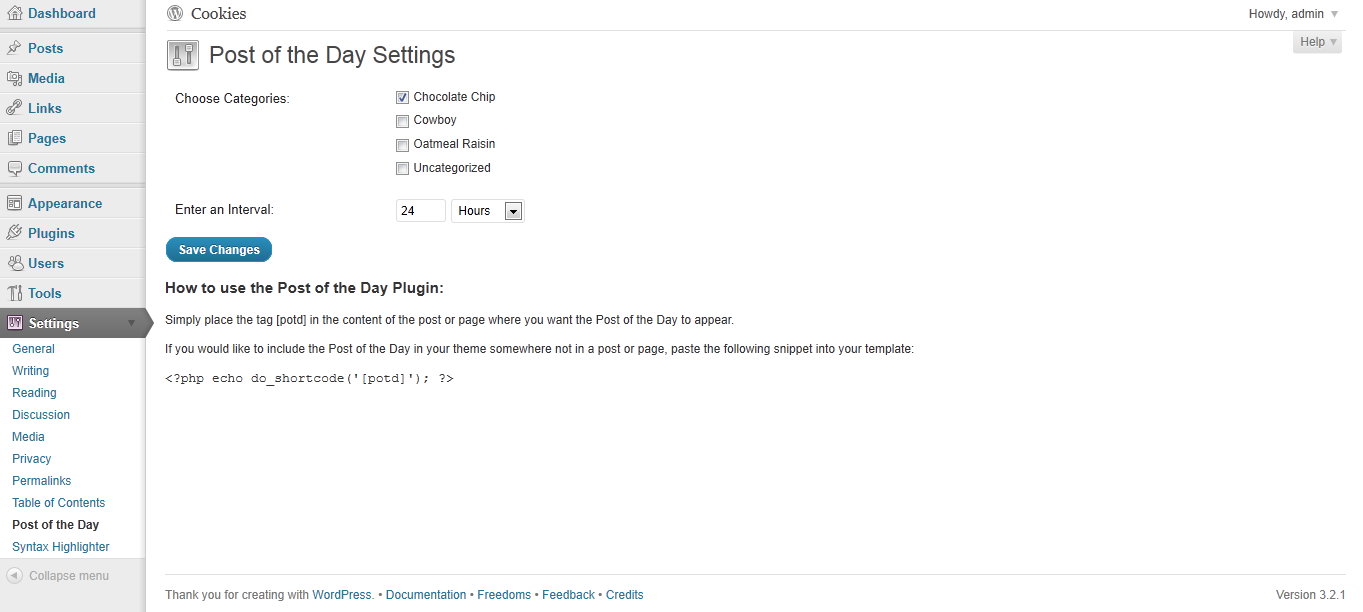
screenshot-1.png: Settings page
Installation
- Upload the entire ‘post-of-the-day’ folder to the ‘/wp-content/plugins/’ directory.
- Activate the plugin through the ‘Plugins’ menu in WordPress.
- You should see “Post of the Day” under your Settings. Edit the settings.
- Include this shortcode within a post or page: [potd]
Alternatively, if you want to include the post somewhere in your theme that is not in a post or page, just include the following in your php page:
<?php echo do_shortcode('[potd]'); ?>
FAQ
- Can I display more than one post at a time?
-
No, not at this point.
Reviews

5 красавіка, 2023
I works, i guess. It displays a post.
There is little to no documentation, so it is hard to set up, eg are there any options for image other than thumbnail?
Contributors & Developers
“Post of the Day” is open source software. The following people have contributed to this plugin.
Contributors
Translate “Post of the Day” into your language.
Interested in development?
Browse the code, check out the SVN repository, or subscribe to the development log by RSS.
Changelog
1.0
First Release