

Апісанне
IMAP Backup & Migrator helps manage IMAP servers, email accounts, local backups, uploads, and queue processing from the WordPress admin.
The plugin is designed for email migration workflows where DNS changes can make access to old mailboxes difficult. It stores server and account configuration, inspects IMAP folders, downloads messages into a local protected storage area, and can upload backed-up messages into another IMAP account.
Current features include:
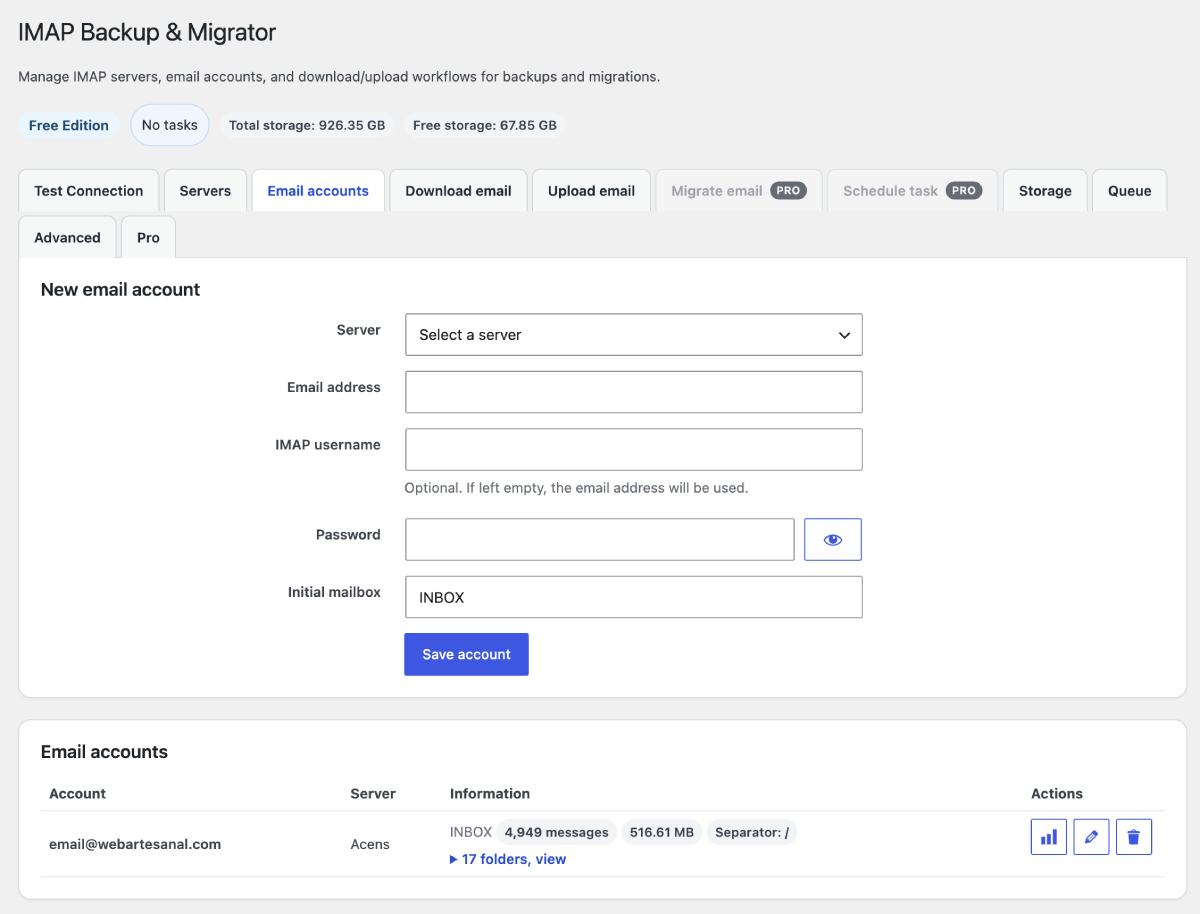
- Register IMAP servers and email accounts.
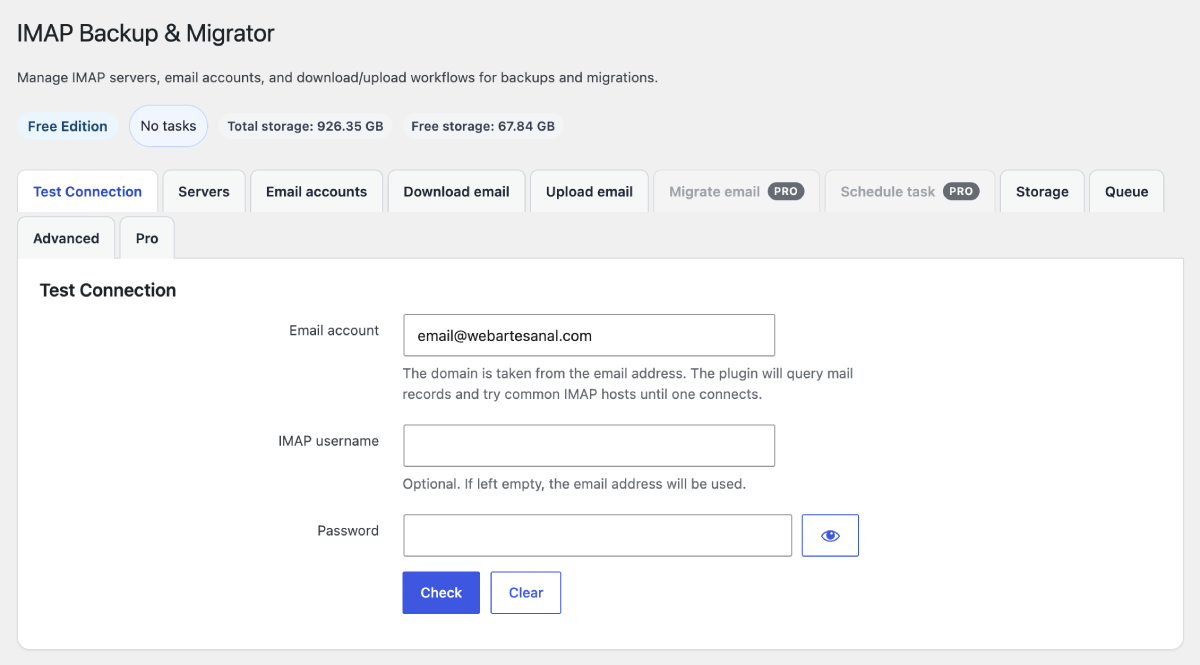
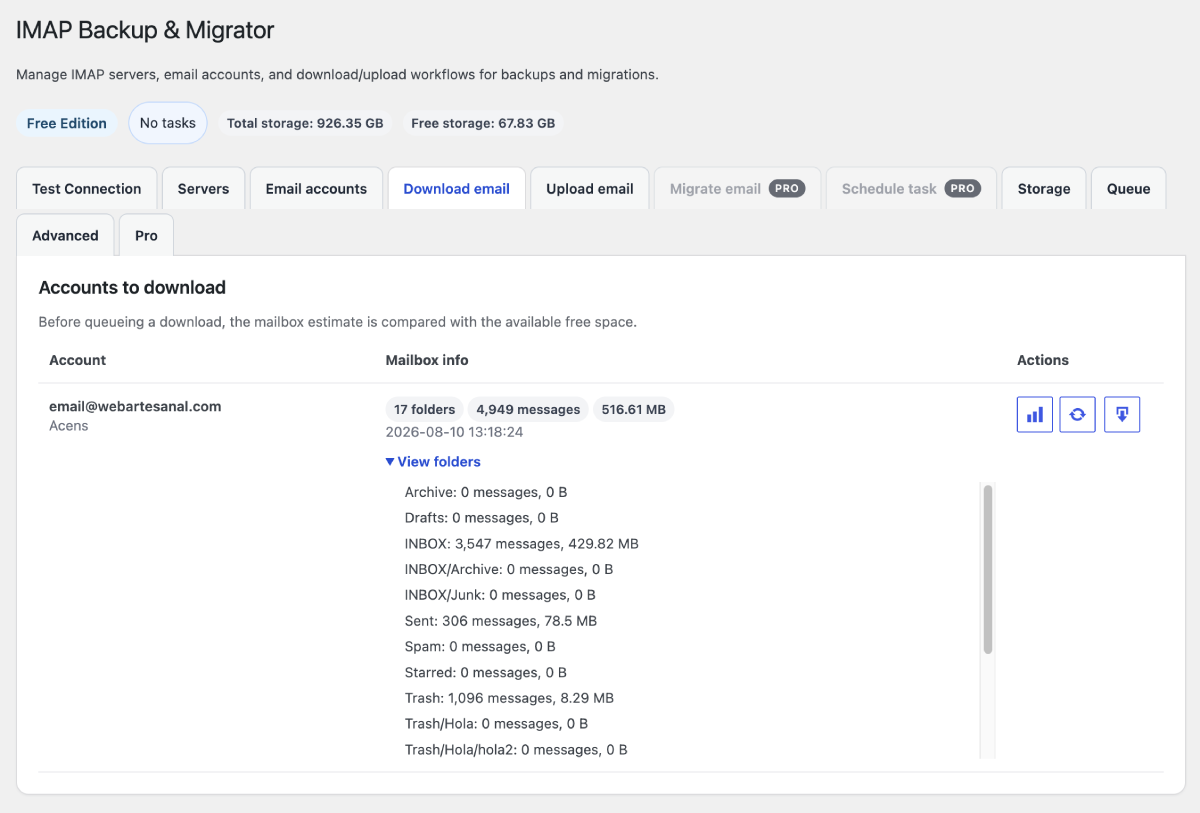
- Test connections and inspect mailbox folders.
- Download email into a local backup store.
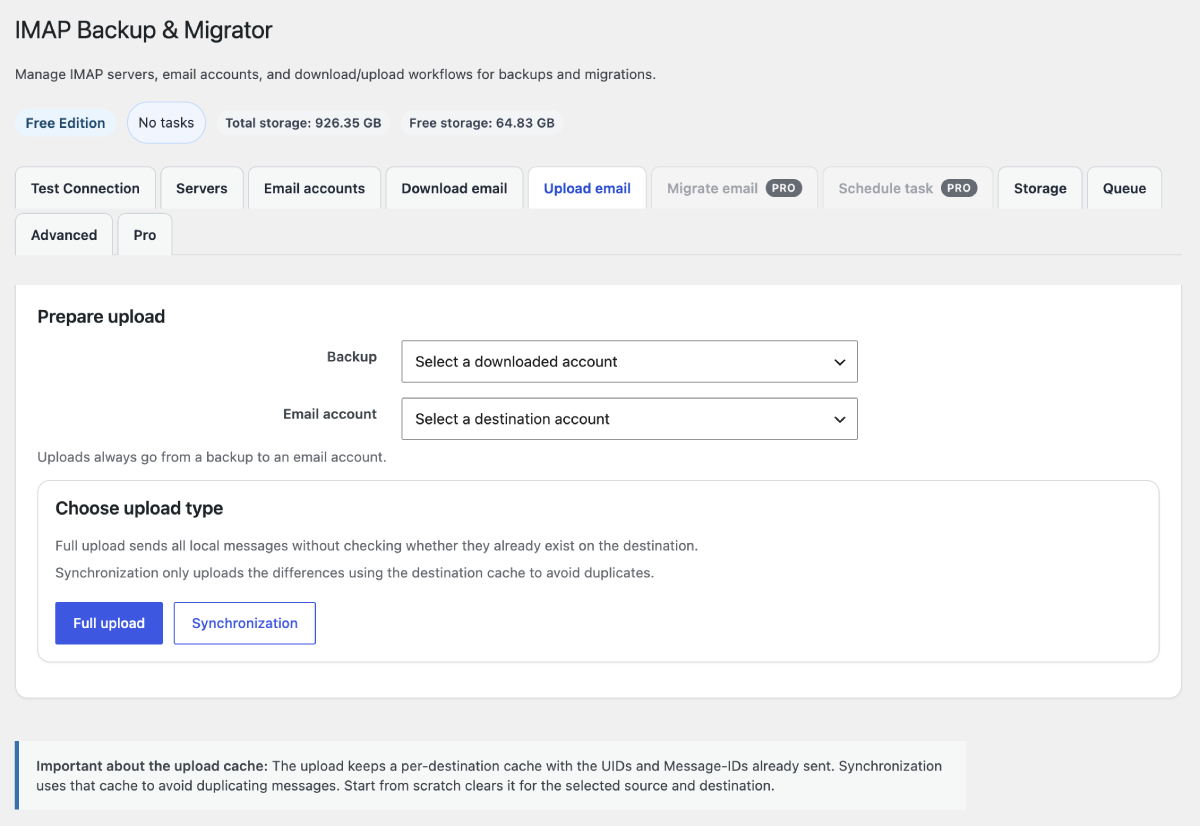
- Upload local backups into another email account.
- Process queued tasks from the admin by AJAX.
- Show available storage and queue progress in the admin.
IMAP Backup & Migrator Pro is a separately distributed add-on that adds direct mailbox migration, scheduled tasks, cron processing, folder selection and mapping, and remote mailbox cleanup.
The plugin connects only to mail servers and DNS hosts needed for actions requested by an administrator. It does not include telemetry or send data to the plugin author. Saved IMAP credentials are encrypted before they are stored in the WordPress database. The encryption key is derived from WordPress salts unless CDP_EMAIL_BACKUP_ENCRYPTION_KEY is defined in wp-config.php.
The human-readable JavaScript source used by the admin interface is included in admin/js/cdp-email-backup-admin.source.js.
Screenshots
Ўсталёўка
- Download the plugin ZIP file.
- In your WordPress dashboard, go to Plugins > Add New.
- Click Upload Plugin.
- Choose the ZIP file and click Install Now.
- Activate the plugin.
- Open IMAP Backup & Migrator in the WordPress admin menu.
You can also install it manually by uploading the imap-backup-migrator folder to /wp-content/plugins/ and activating it from Plugins.
Часта задаваныя пытанні
-
Does the plugin require the PHP IMAP extension?
-
Yes. The plugin needs the PHP IMAP extension to connect to mail servers. If IMAP is missing, the admin screen shows a clear warning.
-
Are local backups protected?
-
The plugin stores local backup data under the WordPress uploads directory and creates protection files to reduce direct web access and PHP execution risk.
-
Does deleting an account remove email from the remote server?
-
No. Deleting an account in this plugin only removes the saved account configuration from WordPress. It does not delete remote mailbox content.
-
What happens if WordPress security salts are changed?
-
If
CDP_EMAIL_BACKUP_ENCRYPTION_KEYis not defined, changing the WordPress salts makes previously saved passwords unreadable and they must be entered again. Define a long randomCDP_EMAIL_BACKUP_ENCRYPTION_KEYinwp-config.phpbefore saving accounts if you need the encryption key to remain independent from WordPress salts. -
Can scheduled tasks run automatically?
-
Scheduled tasks can be created and processed when the Pro edition is active. The free edition processes queued tasks from the admin using AJAX.
Водгукі
На гэты плагін няма водгукаў.
Удзельнікі і распрацоўшчыкі
“IMAP Backup & Migrator” is open source software. The following people have contributed to this plugin.
Удзельнікі
Перакласці “IMAP Backup & Migrator” на вашу мову.
Зацікаўлены ў распрацоўцы?
Праглядзіце код, праверце SVN рэпазітарый, або падпішыцеся на журнал распрацоўкі па RSS.
Журнал змяненняў
0.1.0
- Initial release with IMAP servers, email accounts, local backups, uploads, and AJAX queue processing.