

Апісанне
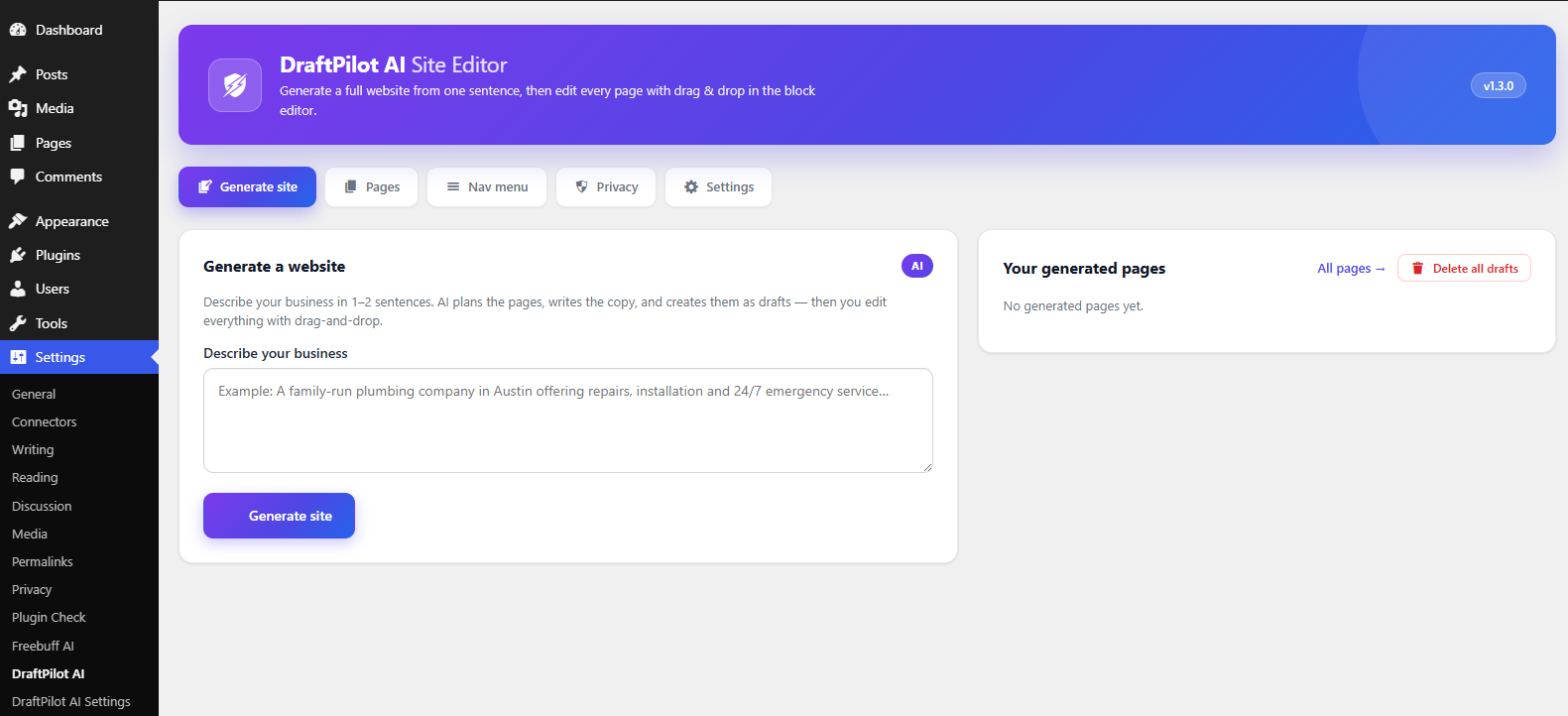
DraftPilot AI Site Editor turns one sentence about your business into a complete, editable website.
Write a short brief (“A family-run plumbing company in Austin offering repairs, installation and 24/7 emergency service”) and the plugin will:
- Plan 3–6 pages (Home, Services, About, Contact, and more) that make sense for the business.
- Write specific, believable copy for every section.
- Apply a cohesive color palette and font pairing.
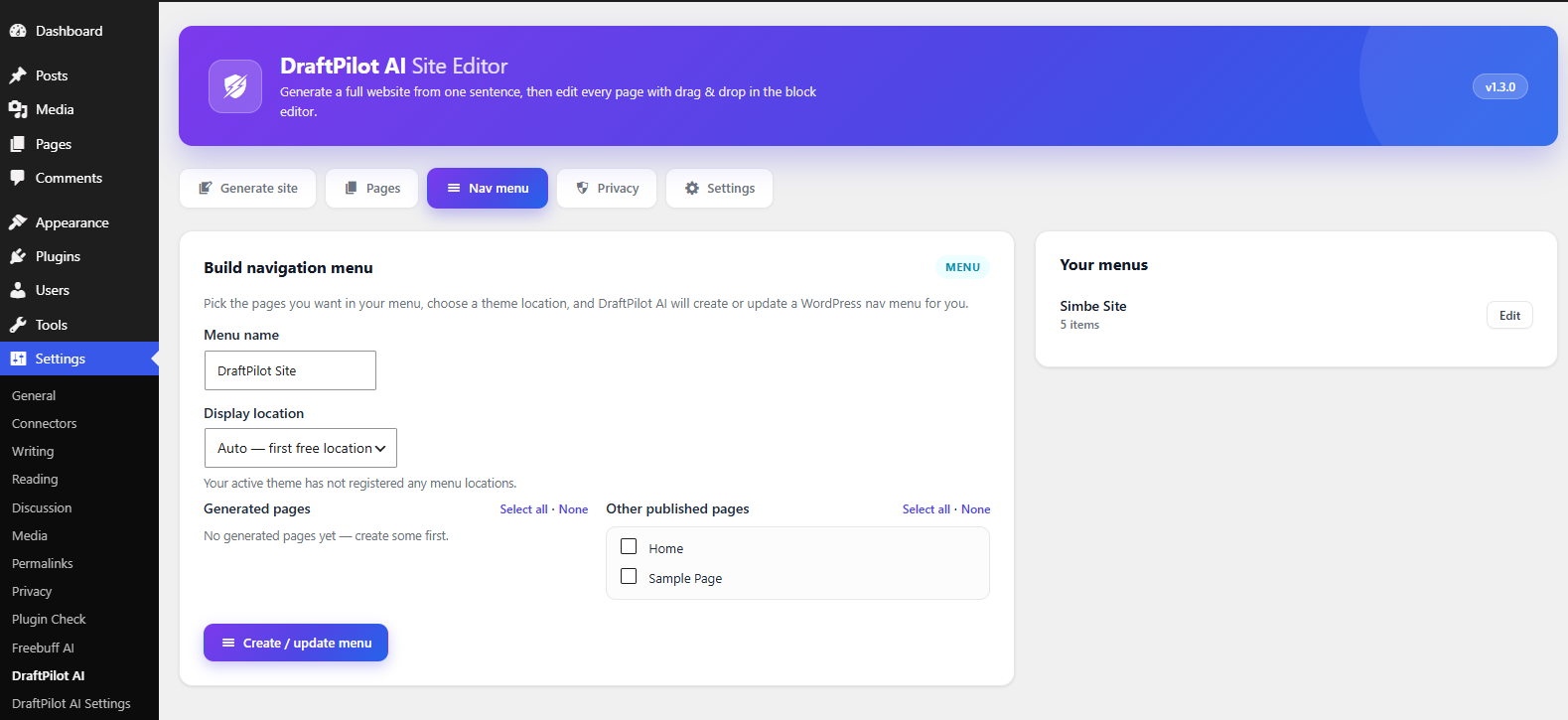
- Create every page as a draft, then wire up a navigation menu and set the front page.
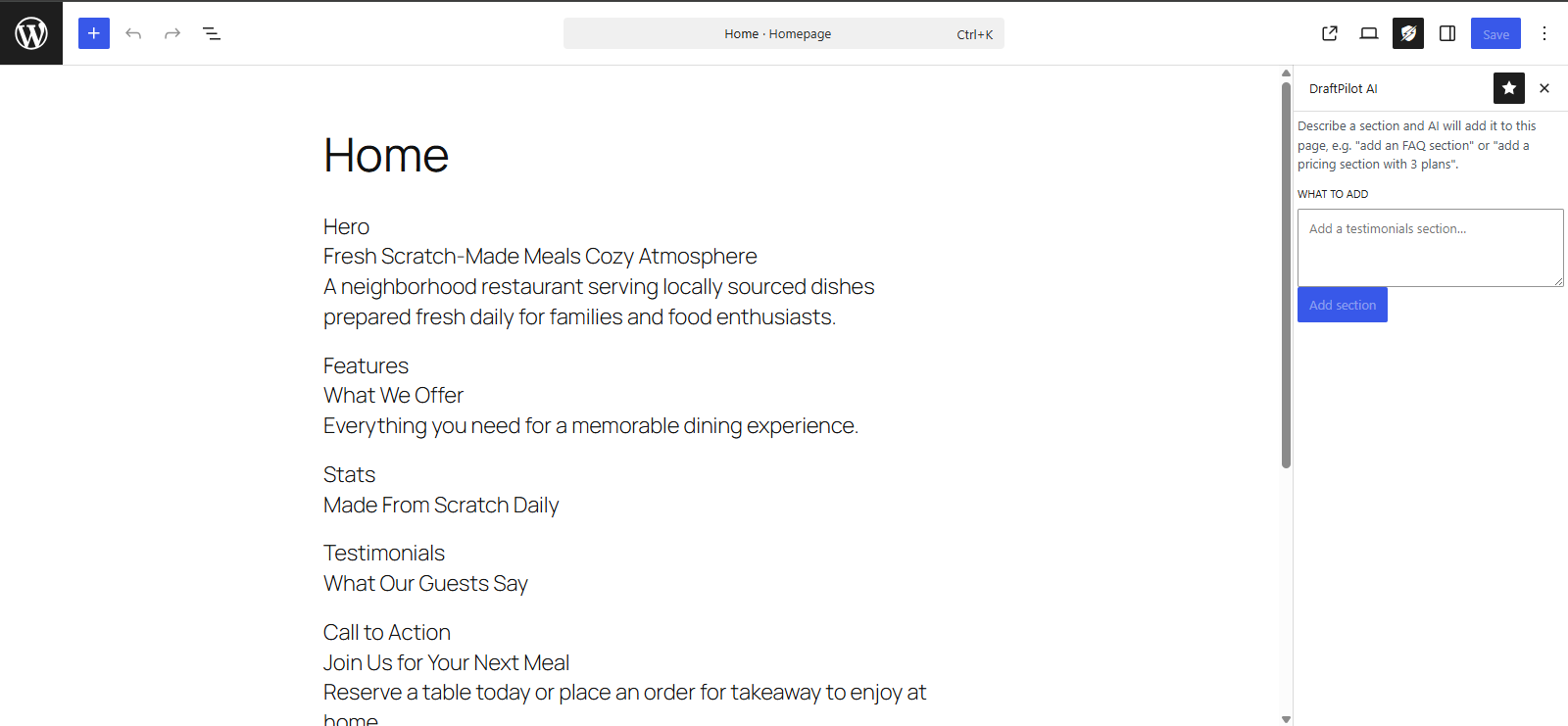
- Let you refine any page in the block editor, or add a whole new section with one sentence.
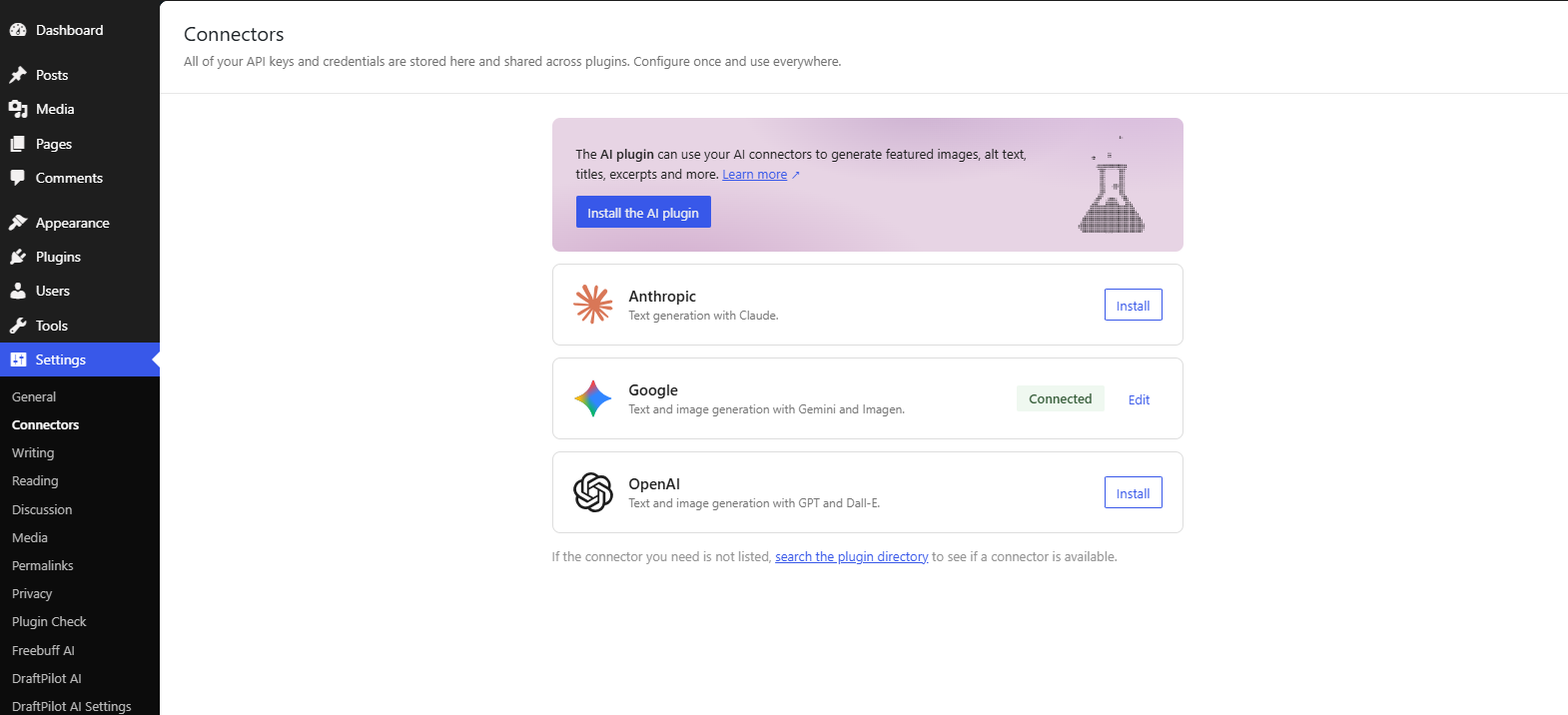
Built on the WordPress core AI Client. DraftPilot AI Site Editor uses the core AI Client introduced in WordPress 7.0, so the plugin never stores API keys or provider credentials. Install an AI provider plugin of your choice and connect it under Settings Connectors — the core AI Client handles models, keys, and billing.
Safe by design.
- Block registry — the AI may only emit a whitelist of block types (core blocks + 8 DraftPilot designer blocks). Everything is validated before it is saved; nothing raw from the LLM reaches the database.
- No prompt injection — page content generated by the AI is stored as data (JSON block attributes), never executed as code.
- Sanitized output — design tokens are validated against an allowlist before they are output as inline CSS, and all admin/editor scripts are properly enqueued.
REST API
All endpoints live under /wp-json/draftpilot-ai/v1 and require manage_options:
POST /generate-site{ "brief": "..." }create a generation jobGET /job/{id}poll job statusPOST /add-section{ "page_id": 4, "prompt": "..." }append AI blocks to a pageGET /pageslist generated pagesPOST /pages/delete-allpermanently delete generated pagesPOST /pages/trash{ "page_id": 4 }trash one pageGET /nav-menulist menusPOST /nav-menu{ "page_ids": [4,5], "name": "DraftPilot Site", "location": "primary" }create or update a menu
Privacy
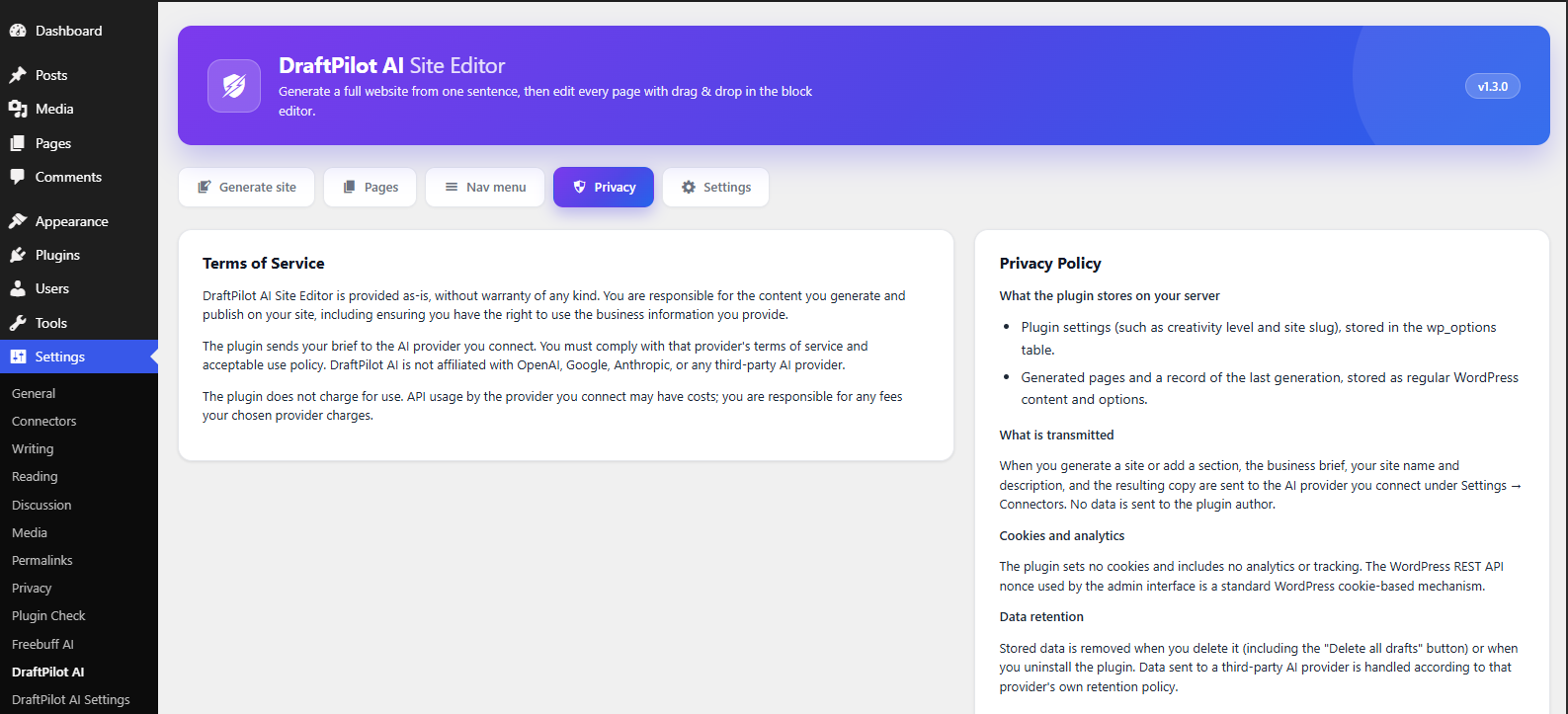
DraftPilot AI transmits data to the AI provider you connect. Review how your provider handles your data before generating.
- Data you send. The business brief you type, your site name and description, and the content generated from them are sent to the AI provider connected under Settings Connectors using the WordPress core AI Client. The plugin does not transmit anything to the plugin author.
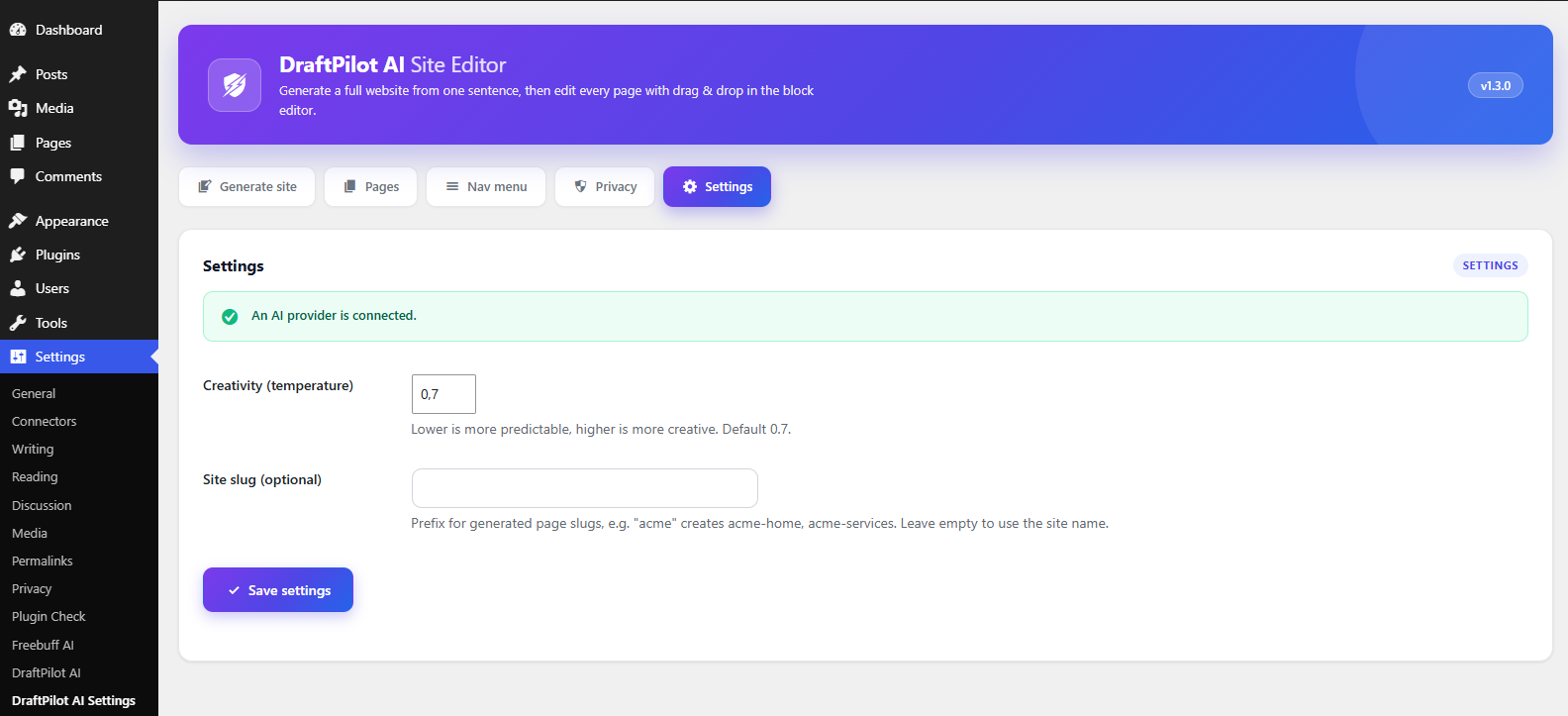
- What is stored. Plugin settings (creativity level, site slug) and your generated pages. No API keys or provider credentials are stored by the plugin.
- Full text. See the Privacy tab in the DraftPilot AI admin for the complete Terms of Service, Privacy Policy, and data provider list.
Screenshots
Ўсталёўка
- Requires WordPress 7.0 or newer.
- Upload and activate the plugin.
- Install an AI provider plugin and connect it under Settings Connectors (e.g. a provider for OpenAI, Google, or Anthropic).
- Open DraftPilot AI in the admin menu, describe your business, and click Generate site.
Часта задаваныя пытанні
-
Do I need my own API key?
-
The plugin does not store API keys. Connect an AI provider under Settings Connectors; the provider plugin manages credentials and any associated costs.
-
Which AI models does it use?
-
The model is chosen by whichever provider you connect through the WordPress core AI Client. The plugin is provider-agnostic.
-
Does it work on WordPress 6.x?
-
No — this version requires WordPress 7.0 or newer, because it uses the core AI Client (
wp_ai_client_prompt()). -
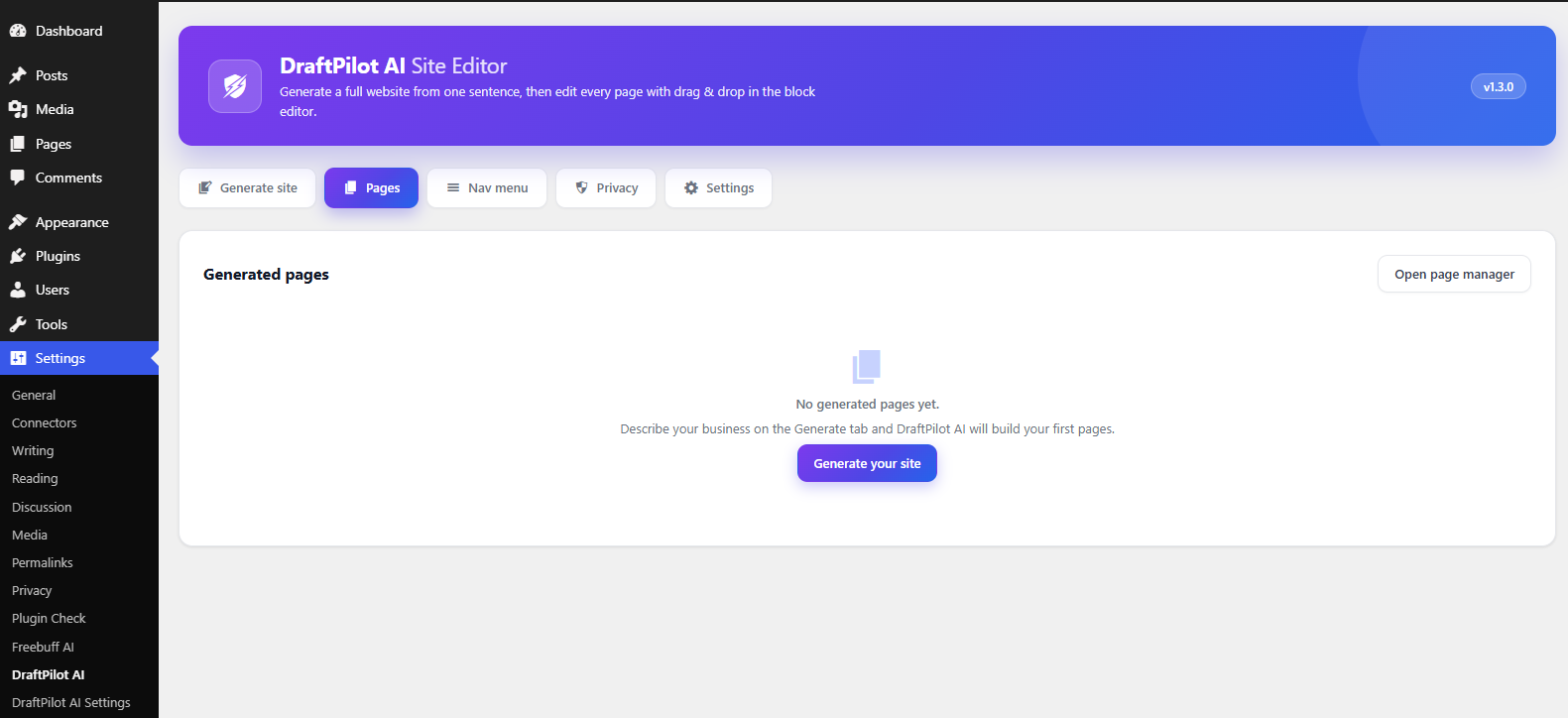
Where are generated pages stored?
-
Generated pages are normal WordPress pages, created as drafts. They are tagged with a
_simbe_ai_generatedmeta flag so the plugin can list, trash, or delete them. Nothing is sent to any third-party server except the AI provider you connected.
Водгукі
На гэты плагін няма водгукаў.
Удзельнікі і распрацоўшчыкі
“DraftPilot AI Site Editor” is open source software. The following people have contributed to this plugin.
Удзельнікі
Перакласці “DraftPilot AI Site Editor” на вашу мову.
Зацікаўлены ў распрацоўцы?
Праглядзіце код, праверце SVN рэпазітарый, або падпішыцеся на журнал распрацоўкі па RSS.
Журнал змяненняў
1.3.0
- Renamed the plugin to DraftPilot AI Site Editor.
- Migrated all AI calls to the WordPress core AI Client (
wp_ai_client_prompt()); provider credentials are now managed by core Settings Connectors. - Replaced inline
<script>in the admin with enqueued JavaScript. - Sanitized and escaped all inline design CSS (colors, fonts, radii are allowlisted).
- Added a changelog and privacy documentation.
1.2.0
- Added a Privacy tab (Terms of Service, Privacy Policy, Data Providers) and readme privacy section.
- Added
uninstall.phpso all plugin data is removed on uninstall. - Added a version badge and this changelog.
1.1.0
- Added an “Add section” sidebar panel for the block editor.
- Added block registry validation and JSON-safe generation.