

Апісанне
Tipso is a simple WordPress tooltip plugin that displays a responsive, animated, fully customizable tooltip when the visitor hovers over the matched element.
Usage
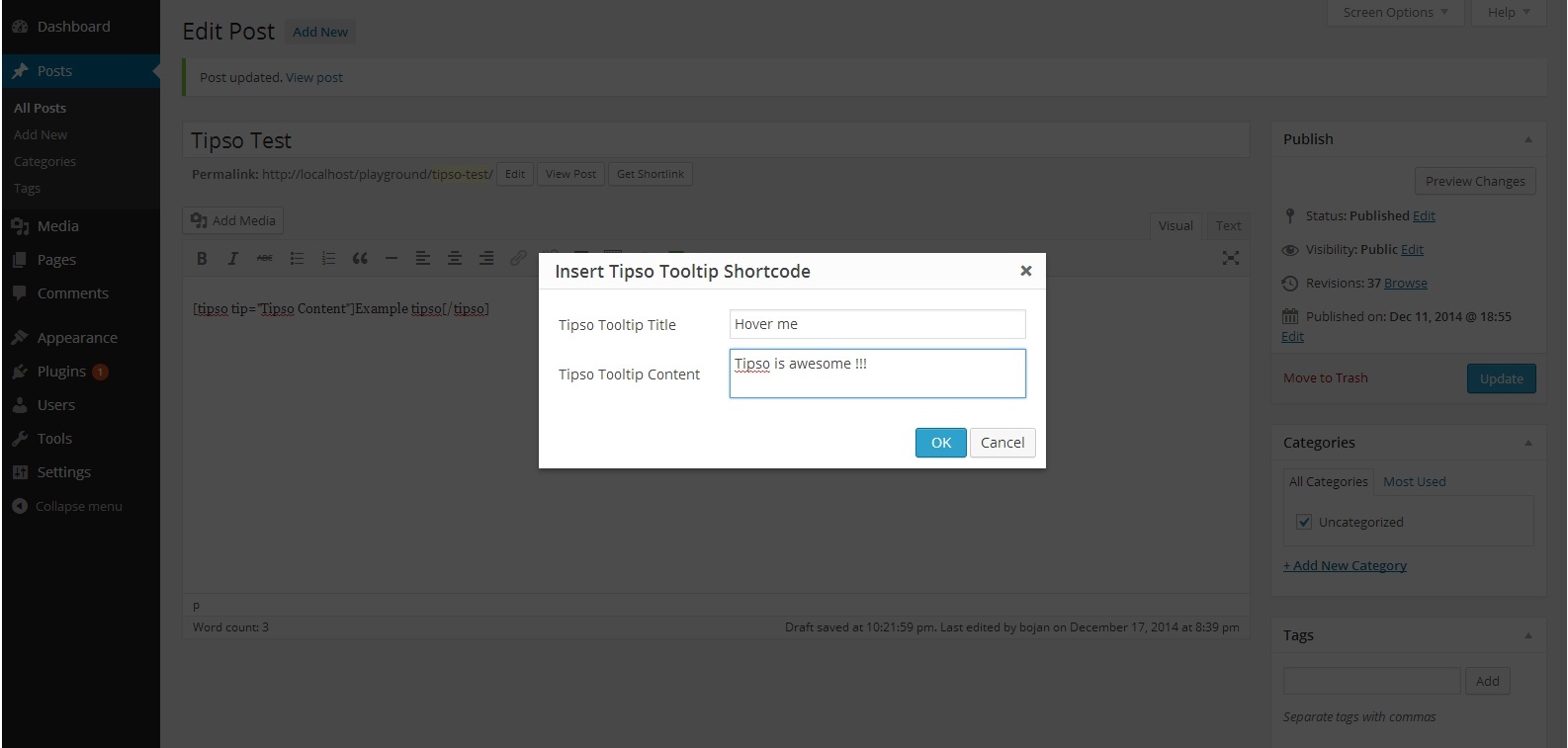
The plugin adds a button in the editor. On click it opens a modal window where you can enter the tooltip content. It generates a shortcode and inserts it in the editor.
The shortcode
[tipso tip=”Tooltip content”]Hover me[/tipso]
You can also manually add the shortcode in the editor, or you can assing the tooltip functionality to any element simply by adding a class tipso and for the content add a data-tipso=”Tooltip content”
For making changes to the default tooltip options (background color, content color etc.) go to “Settings/Tipso Settings”
Check the demo
Скрыншоты


Ўсталёўка
- Unzip the plugin and upload it to your site\’s “/wp-content/plugins/” folder.
- Activate the plugin through the \’Plugins\’ menu in WordPress.
- Modify the plugin’s option settings
- Check out your new button in the content editor.
Часта задаваныя пытанні
For any question feel free to contact me 🙂
Водгукі


Удзельнікі і распрацоўшчыкі
“Tipso” з’яўляецца праграмным забеспячэннем з адкрытым зыходным кодам. Наступныя людзі ўнеслі свой уклад у гэты плагін.
Удзельнікі
Перакласці “Tipso” на вашу мову.
Зацікаўлены ў распрацоўцы?
Праглядзіце код, праверце SVN рэпазітарый, або падпішыцеся на журнал распрацоўкі па RSS.
Журнал змяненняў
1.0.0
- Initial release